
It’s Friday evening, you want to check your iProf file or retrieve an HR document before Monday, and the Arena page refuses to load. The problem rarely comes from the portal itself. It’s almost always a detail on the browser side, identification, or network security that blocks access from a home network.
Academic ID and ac-amiens messaging: the prerequisite that many skip
Before even opening Arena, you need a functional academic ID. This ID is the same as that of the webmail ac-amiens.fr. If you have never logged into the academic messaging, there is a good chance that the ID has not been activated correctly.
The support of the Amiens academy actually recommends to activate the academic messaging first. This is the quickest way to verify that the username/password combination works before testing Arena. A successful login on webmail.ac-amiens.fr confirms that access is operational.
For teachers starting in the academy, the ID generally takes the form of the initial of the first name followed by the last name. The temporary password, provided by the rectorate or the institution, must be changed at the first login. If you have forgotten it, the reset procedure goes through the academic support service, not directly through Arena. You may also need your NUMEN for this process, an individual code provided upon confirmation of your position.
For those who wish to connect to the Arena Amiens portal from home, this prior verification avoids the majority of blocks reported to support.
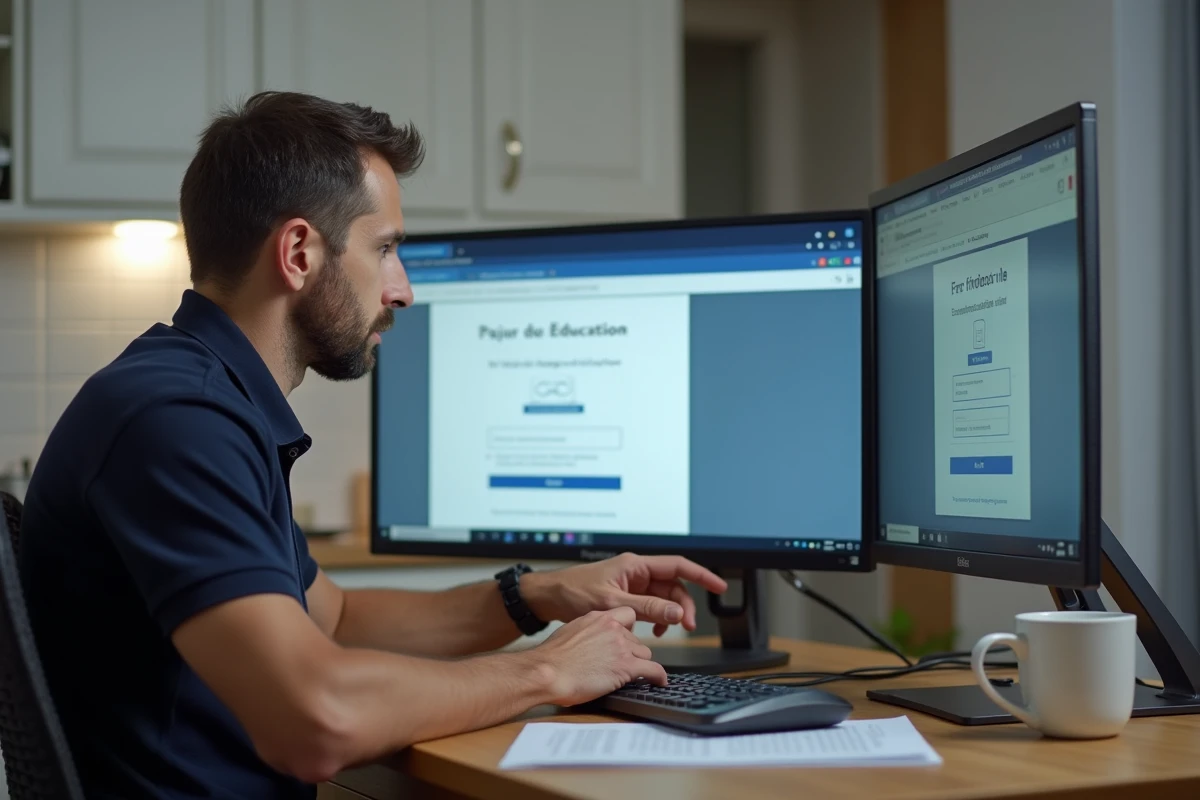
Connecting to Arena from home: browser and TLS protocol
On a school network, everything is preconfigured. From home, it’s a different story. Remote access to Arena Amiens is conditioned by the digital security rules of the Ministry of Education, which have been strengthened since 2022.
Specifically, the portal requires a browser that accepts TLS 1.2 or 1.3 protocols. Older versions of Internet Explorer or unupdated browsers are rejected, sometimes without a clear error message. You get a blank page or a certificate error, and you think the site is down.
What to check first
- The browser is up to date (recent versions of Firefox, Chrome, Edge work without issue). Safari on recent macOS also works.
- The address used is indeed arena.ac-amiens.fr, in HTTPS. Any attempt in unencrypted HTTP will be systematically blocked.
- Extensions like script blockers or VPNs can interfere with authentication. Temporarily disable them to isolate the problem.
- The browser’s cache and cookies are cleared, especially if you have already attempted a failed connection (a corrupted cookie can cause a redirection loop).
Feedback varies on this point, but some staff report difficulties with internet boxes whose firewall blocks the ports used by academic authentication. If everything else works, a test from a mobile hotspot can confirm or rule out this avenue.
New Arena portal: what has changed with the URL in education.fr
Since 2024, the ministry has initiated a redesign of the Arena portal with a gradual migration to URLs in education.fr. The interface has been reorganized, and old bookmarked links may no longer work.
If you had saved a favorite link to an old specific Arena page (iProf access, leave management, administrative file consultation), this link may return a 404 error or a looping login page. The solution is simple: start from the homepage arena.ac-amiens.fr and navigate to the desired service from the menu.
The ergonomics have also evolved. Services are grouped differently, with more readable categories for career management, digital educational tools, and administrative procedures. You can notably find access to iProf, professional messaging, and applications for managing absences or transfers.
Services accessible from the Arena Amiens portal
Arena is not a single tool but a centralized access portal to several online services. Among the most used by staff in the Amiens academy:
- iProf, to consult your career file, assignments, and promotions.
- The academic webmail, also accessible directly via webmail.ac-amiens.fr.
- Management applications (transfer requests, consultation of movement results).
- IMAGIN, the management system for exam and competition invigilators, accessible to staff assigned to the academy.

What to do when the Arena connection fails anyway
You have checked the ID on the webmail, the browser is up to date, the URL is correct, and it still doesn’t work. Here are a few additional tips before contacting support.
First, test with another browser. A corrupted Chrome profile will not yield the same result as a freshly installed Firefox. Next, check the system time on your computer. A discrepancy of more than a few minutes can cause a rejection of the TLS certificate, as the browser considers the certificate to be expired or not yet valid.
If the problem persists, the academic IT support service remains the recourse. You can contact them via the form available on ac-amiens.fr, under the Professional Space section. Be sure to specify the exact error message, the browser used, and the type of connection (home Wi-Fi, 4G, wired).
One last point to keep in mind: maintenance operations on academic servers take place outside of working hours, often on weekends. A temporary unavailability on Saturday morning is not unusual and usually resolves within a few hours.