
Email remains an essential tool for professional and personal communication. However, a cluttered inbox can quickly become a source of stress and inefficiency. Between important emails, newsletters, and spam, it is often difficult to find your way.
Fortunately, simple tips can help better organize this flow of information. Using filters to automatically sort messages, adopting a reading and response routine, or archiving old emails are all practices that can transform email management into a smoother and less time-consuming task.
Reasons to Optimize Inbox Management
The mental load associated with a cluttered inbox is a daily reality for many professionals. On average, a French employee receives 58 emails and sends 33 per day. This avalanche of emails can quickly lead to stress and reduce efficiency. Delays in responses and misunderstandings can arise, impacting client relationships and overall satisfaction.
Unnecessarily stored emails have a significant environmental impact. Sending an email produces 30g of CO2, equivalent to leaving a light bulb on for 24 hours. For a company with 100 employees, this can represent as much pollution as 14 round trips from Paris to New York in a year. Emails are responsible for 0.3% of the greenhouse gases emitted worldwide.
Security and data confidentiality are also at stake. Poor email management can compromise these major elements. Executives spend nearly half of their workday checking their emails, which harms their well-being and productivity. Using tools like ia72 webmail for consultation can help better organize and secure this flow of information.
For all these reasons, optimizing inbox management becomes essential. Consider adopting automated sorting methods and reading routines. Archiving or deleting unnecessary emails can significantly reduce mental load and ecological footprint while improving data security and client relationships.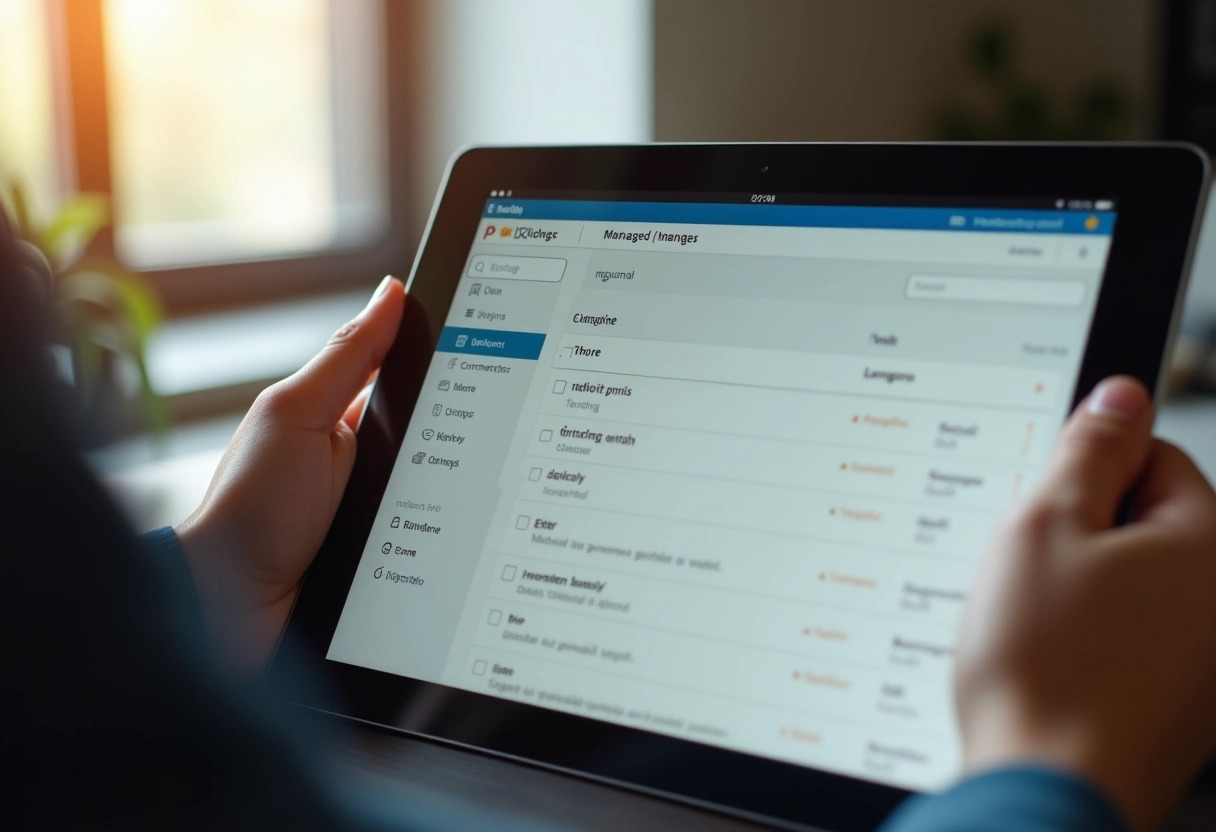
The Best Tips for Effective Email Management
Optimal email management starts with reducing notifications. Disable alerts to avoid constant interruptions. A study from the University of California Irvine reveals that each interruption can increase stress and reduce productivity.
Adopt the automatic sorting method. Use filters to automatically categorize emails into specific folders: clients, business partners, newsletters, etc. This allows you to prioritize messages and save valuable time.
Using the ‘Inbox Zero’ method is also recommended. This approach involves addressing each email as soon as it is received by following four possible actions:
- Respond immediately if it takes less than two minutes,
- Delegate if it is not your responsibility,
- Archive for later consultation,
- Delete if the email is unimportant.
Segmenting emails into specific tasks can be enhanced by using the Eisenhower matrix. This matrix helps distinguish urgent tasks from important tasks, thus promoting better organization and effective time management.
Regularly clean your inbox by deleting outdated emails and unsubscribing from unread newsletters. Proper maintenance of your mailbox reduces mental load and improves well-being at work.